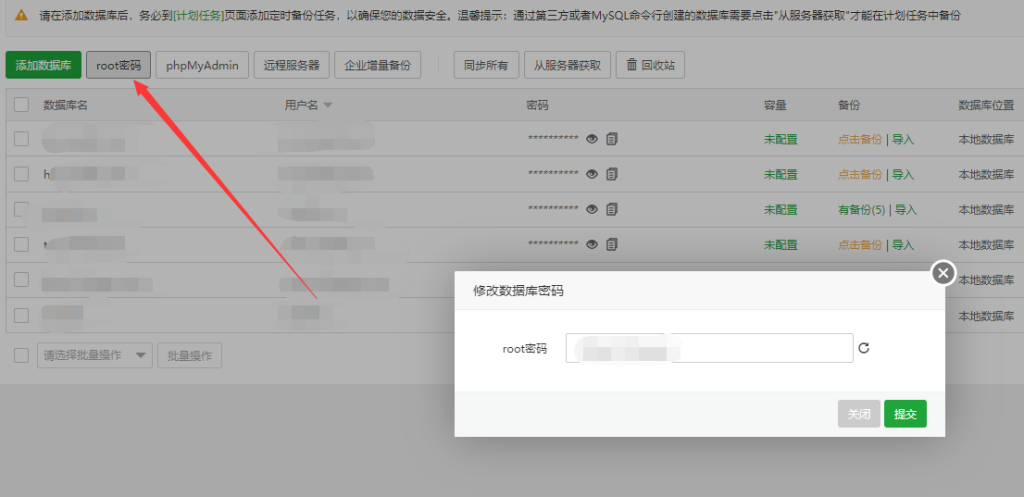
宝塔面板是目前主流的一款Linux服务器控制面板,简洁的操作面板,一目了然的操作界面深受国人喜爱。
随着宝塔不间断新增的一些功能非常的使用,大部分都是免费部分个人,小型非重要项目免费版足以使用,重要业务可以开通专业或者企业版配合各版本插件给服务器以及网站做好防护。
无论免费版还是专业、企业,都要做好自身服务器的基本安全。
宝塔Linux面板安装脚本
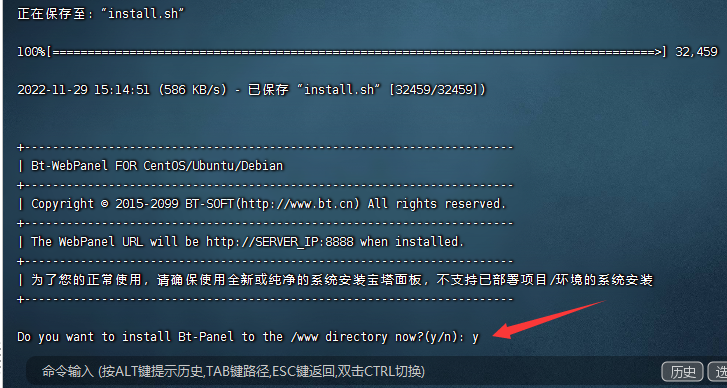
Centos安装脚本
yum install -y wget && wget -O install.sh http://download.bt.cn/install/install_6.0.sh && sh install.sh 3fd4b14cUbuntu/Deepin安装脚本
wget -O install.sh http://download.bt.cn/install/install-ubuntu_6.0.sh && sudo bash install.sh 3fd4b14cDebian安装脚本
wget -O install.sh http://download.bt.cn/install/install-ubuntu_6.0.sh && bash install.sh 3fd4b14cFedora安装脚本
wget -O install.sh http://download.bt.cn/install/install_6.0.sh && bash install.sh 3fd4b14cupdate安装脚本
wget -O update.sh http://download.bt.cn/install/update6.sh && sh update.sh 3fd4b14c升级脚本
wget -O update.sh http://download.bt.cn/install/update.sh && sh update.sh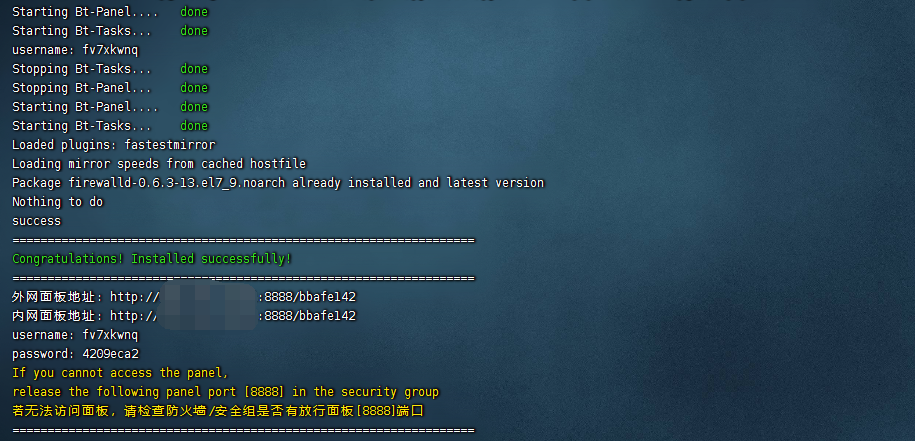
Linux服务器一键挂载脚本参考:Linux服务器一键自动挂载硬盘脚本 – 心仪评测 (7ye5.com)